Cutting The Cord 101
Business Hours
Monday – Sunday: 8:00 AM — 6:00 PM
Streaming & Antenna Installations
What does “cut the cord” mean, and how does it work?
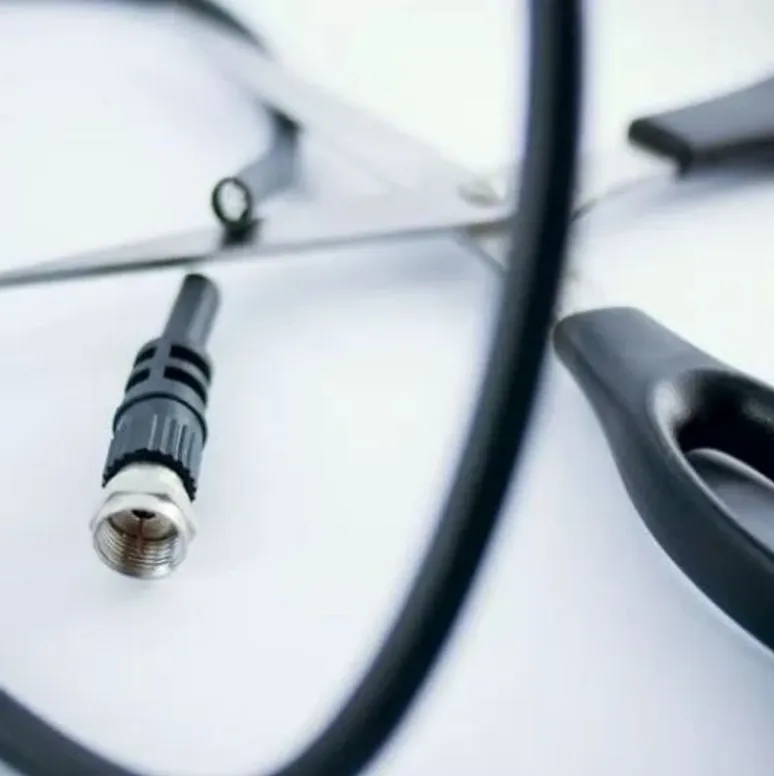
The term cut the cord refers to not being tied down to a cable or satellite company to get your TV content. This is done by a process called “streaming”. The way streaming works is it delivers your TV watching content over the internet instead of your TV signal coming into your house via an underground wire from your local cable company, or a satellite dish on your roof.
How do I use it?
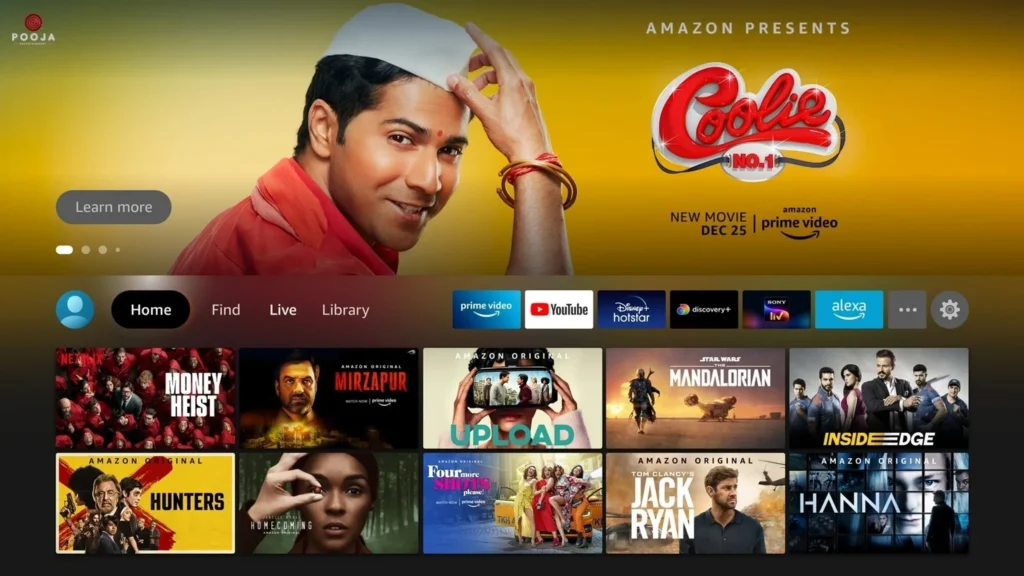
The BEST way to get access to all the services you need is through a Firestick. Typically you will have a “HOME” screen (pictured above). Your home screen will be your main starting point for everything you want to do, from antenna channels to various services such as Netflix or Hulu. You simply use a very basic remote that comes with the Firestick and use directional arrows to navigate to each of the services available to you. You can even just speak into the remote if that’s easier for you! Each service will have something different to offer, like movies, TV shows, music, and even games! It is basically like going to a farmer’s market (a.k.a. the Firestick), and each different service is like a different vendor at the farmer’s market.
All of your apps for your TV shows and movies are located on the home screen, on the top row. If you have an antenna and the Tablo DVR, all of your antenna programming that is located in the Tablo app on Firestick, will be listed in the “LIVE” category, also found on the top row.
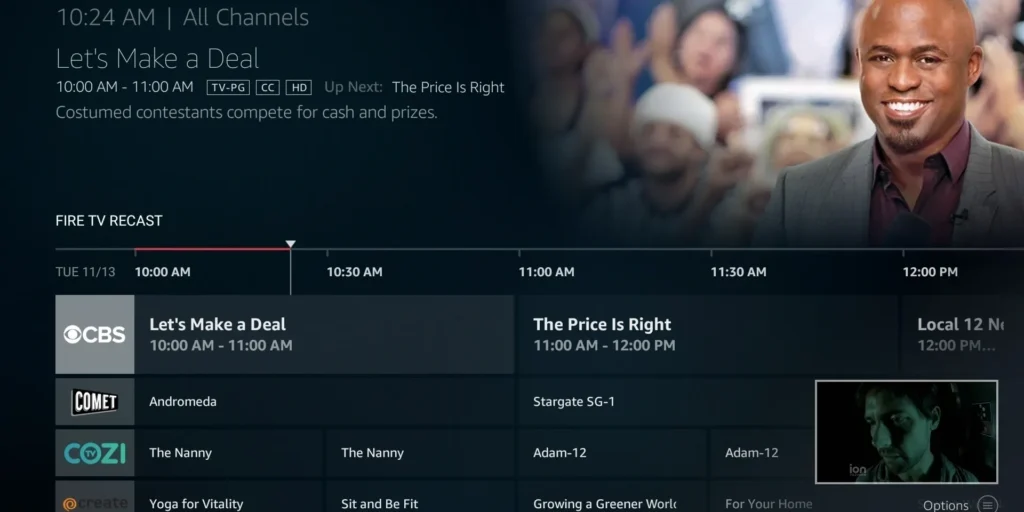
Antenna and DVR recording
The way your antenna is tied into the system is by getting an Tablo DVR. Your antenna plugs into the DVR and the DVR is connected to your Firestick at each TV via your wifi internet. Having this setup is a lifesaver, especially if you have trouble with multiple remotes to operate your entertainment system because it eliminates the need to switch inputs and use multiple remotes by putting all of your apps and antenna channels on the Firestick platform so everything is in one place and all you need is your Firestick remote.
How to get major cable, movies, and news networks
So now that we have covered how to watch your local antenna channels (thanks to the antenna installations Peoria, AZ recommends), let’s go over how to get everything else from movies to watching the big game live! You can do it all on the Firestick. First let’s touch on how to get live cable channels without having to crawl to the cable and satellite companies.
There are a few popular apps on the Firestick that provide these services, such as Hulu with live TV, Youtube TV, and Sling TV. Basically, the way it works is, you first download their app onto the Firestick, then once it is downloaded you open the app and click “Sign Up” (or sign in if you already have an account with them). The app will then ask for your login info (which is your email address and a password you want to use), then it will ask for your credit card information (rates vary from approx. $30-$65 depending on which company you sign up with). Once this is entered you then have immediate access to all of the channels the app offers, from HGTV to ESPN. The way you select the channel you want will be from a channel guide on your screen just like you would have with your old cable or satellite provider. And yes, you can record these shows and it’s basically the same process as what you would do with your old cable or satellite provider.
We typically recommend Hulu or Youtube TV when it comes to these types of apps as they give you the most for your money and have more channels available than their competitors. For movies, we highly recommend Netflix and/or Amazon Prime, as they have just about every movie you could search for already in their database.
Quick tips!
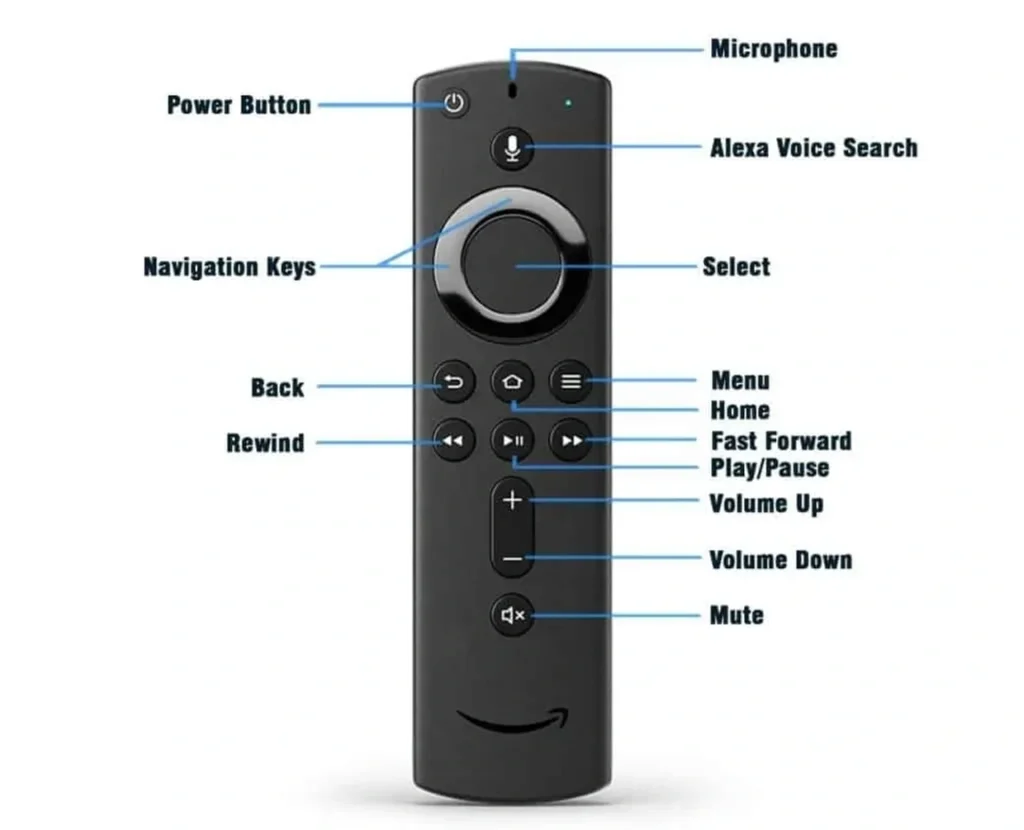
- Instead of manually navigating around the Firestick with the directional buttons, use the microphone feature to simply say what you are looking for! To use the microphone, press and hold the microphone button. You will then see a blue line come across your TV screen. You may now begin to speak into the remote (example: say "Top Gun on Netflix" or "go to channel 3"). Then once you are done speaking, release the microphone button. The Firestick will then take you to what you want or bring up a list of things related to what you searched for.
- When you are done using the Firestick, always go back to the home screen before shutting off the TV. This will ensure that the Firestick isn't using up the DVR tuner in the background. Also, it will prevent confusion on where you left off from when you go to turn the TV back on next time.
- If your Firestick doesn't seem to be acting properly try doing a power reset or software update. The process for doing this can be found in our DIY Troubleshooting category on our site.
Want to learn more about how you can “cut the cord” and enjoy all your favorite shows and movies without being tied to those pesky cable companies? Reach out to us today about antenna installations in Sun City, AZ and the surrounding areas!
We're here to help!
If you have any questions on using your Firestick or would like to set up a consultation to have us help you cut the cord, feel free to contact us!